Arrivo asks: Are you okay? Have you arrived? You answer with one tap.
Trigger: your expected arrival time passes. Told: only you.
Six simple steps. Your first trip takes a couple of minutes, because you also build your circle. Repeat trips take a tap.
What you do, and what Arrivo does for you.
Continue with Google or Apple, then add your name and phone number. Arrivo shows a short three-page introduction so you know exactly what is shared and when.
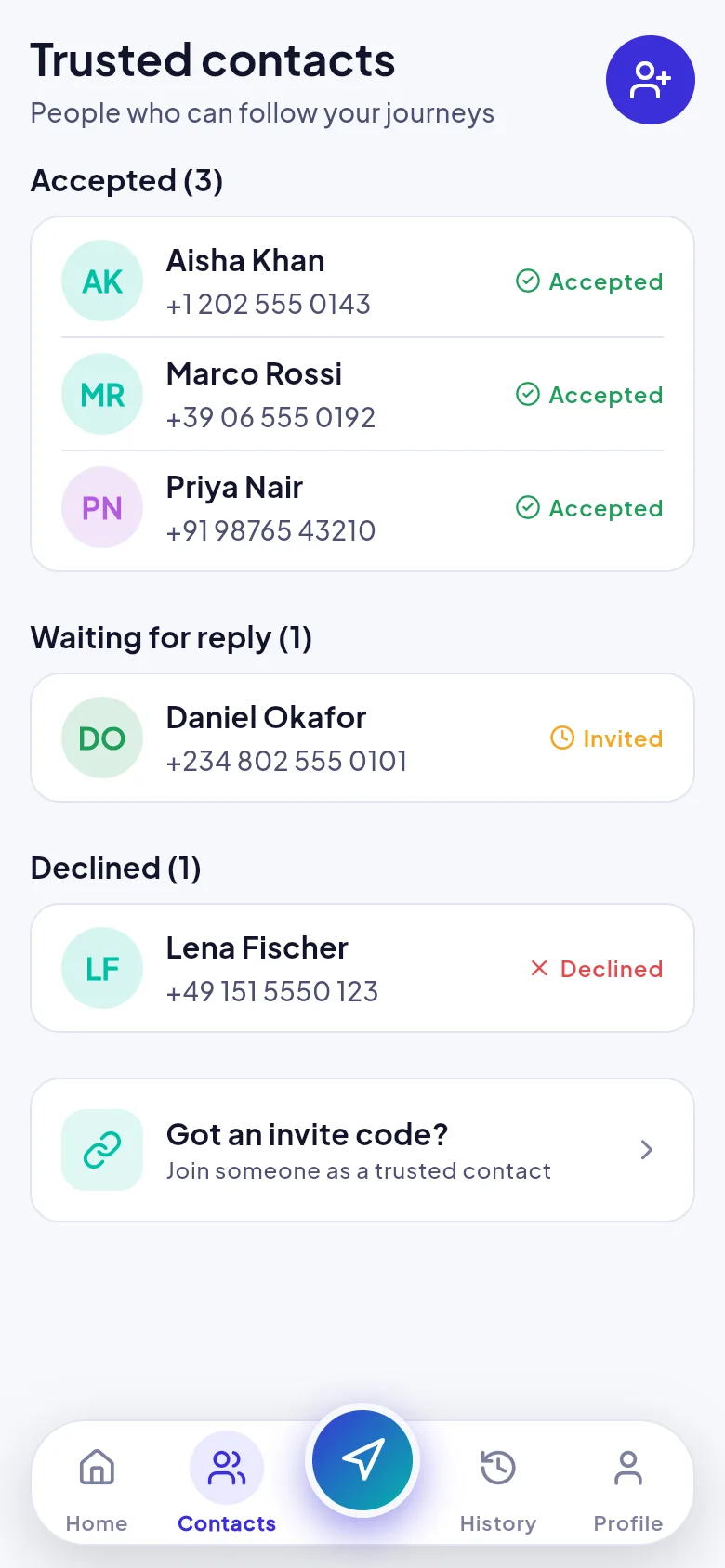
Add people by phone or email. Each person gets an 8-character invite code (for example ABCD-2345) and has to accept before they can see anything. You can see who has accepted, who is still waiting and who declined.
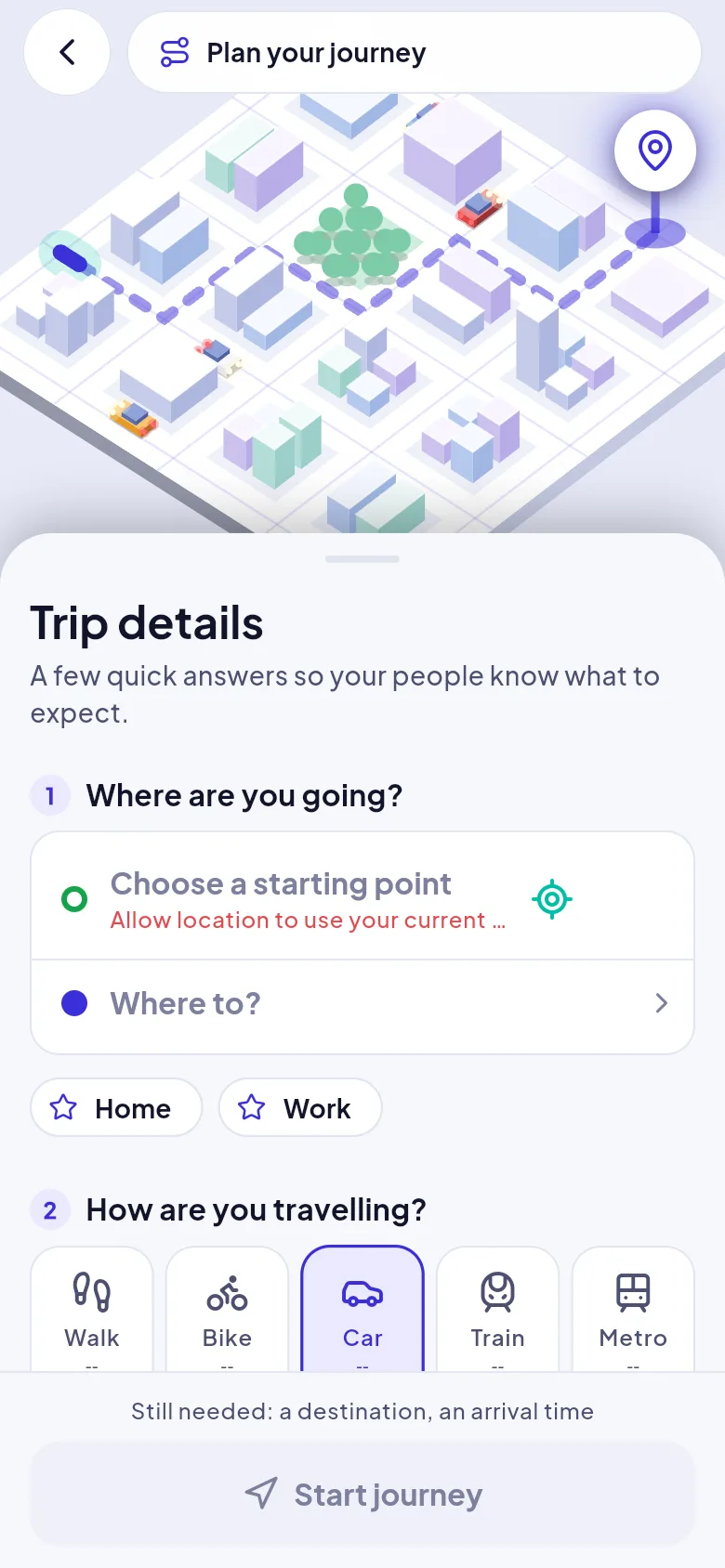
Search a destination or drop a pin, choose walk, bike, car, train or metro, set when you expect to arrive and choose who to tell. For trains and metro, Arrivo plans the walk to the station, the ride and the walk after.
Arrivo explains why it needs your location before it asks, and only when you start your first journey. Your contacts are told you have set off and can open your live map.
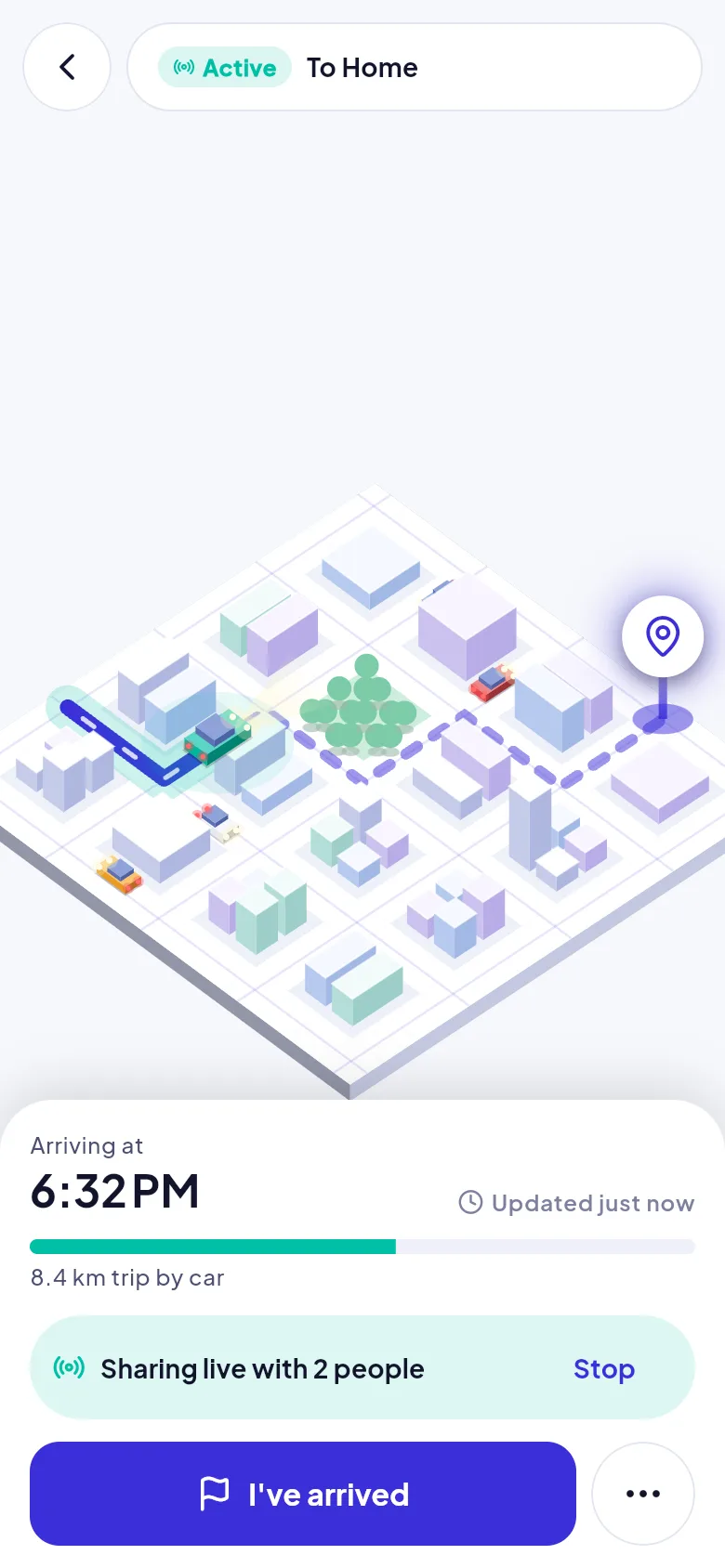
Change your arrival time if plans shift, share a number-plate photo, or add a voice note. If you lose signal, Arrivo keeps saving your location and uploads it when you reconnect.
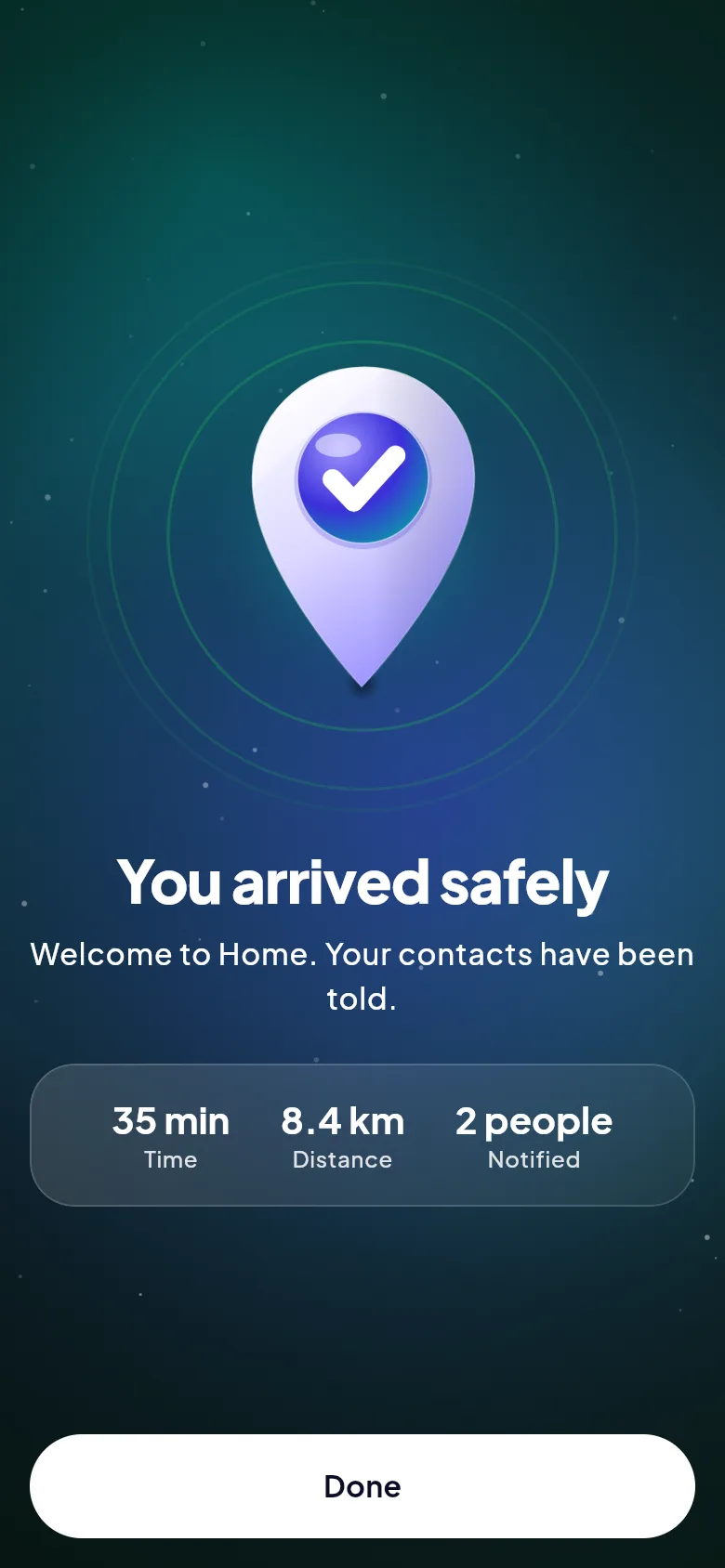
Confirm you have arrived. Sharing stops immediately, your contacts are told you are safe, and the trip appears in your history with its duration, distance and who it was shared with.
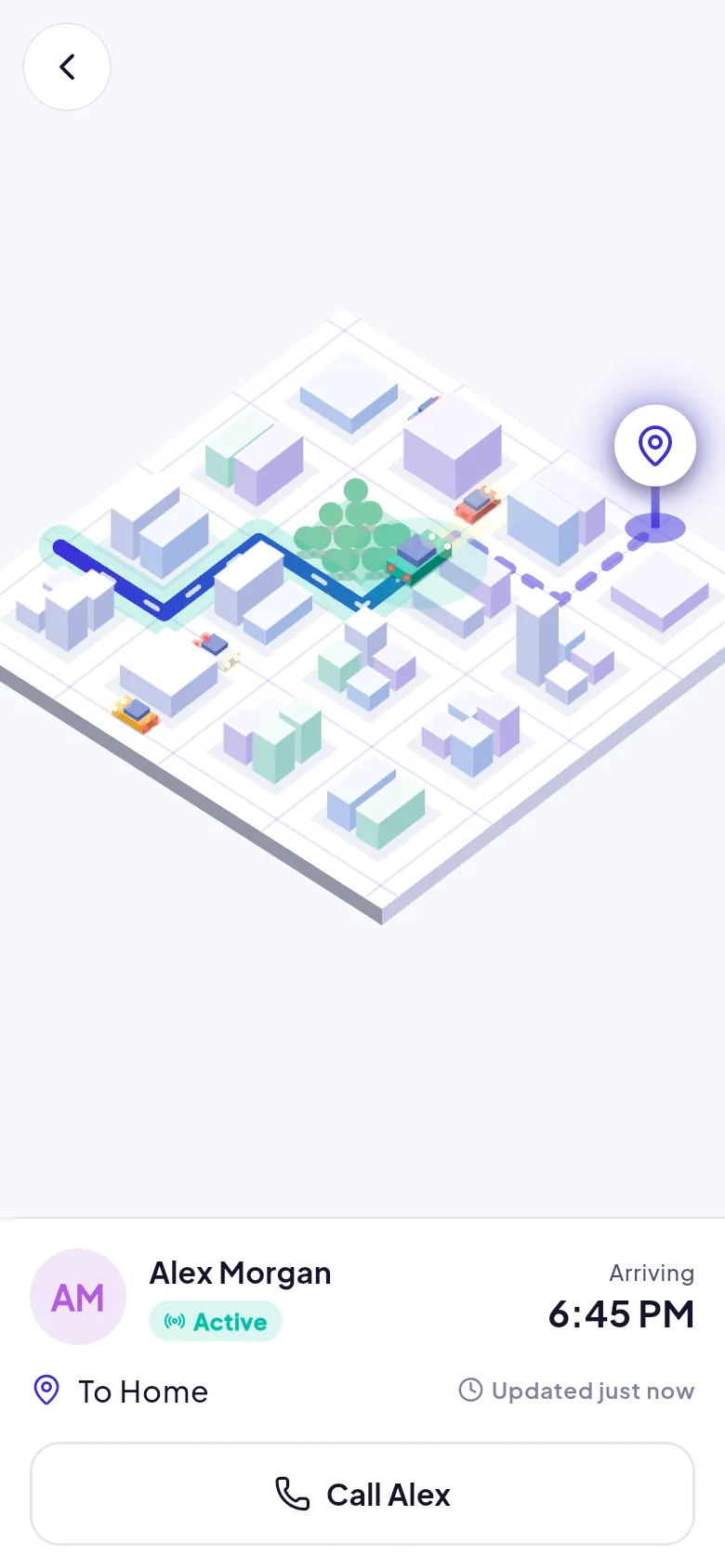
They are told when you set off and can follow along. When you arrive, they are told you are safe. Everything below is read-only.
Arrivo checks on you first, then your contacts.
Trigger: your expected arrival time passes. Told: only you.
Trigger: no reply after the grace period (about 10 minutes by default). Told: your contacts, with your last known location and when it was recorded.
Trigger: still no reply (about 20 minutes later by default). Told: your contacts.
Share the journey. Celebrate the arrival.