Questions, answered
Short, plain answers about privacy, safety and how Arrivo works. The same answers are inside the app under Profile, Help and FAQ.
Getting started
What is Arrivo?
Arrivo is a travel-safety app. You share a journey and live location with trusted contacts. They are told when you set off, can follow you on a map, and are told when you arrive safely. If you run late, Arrivo checks on you first and then alerts them.
Which phones does Arrivo support?
Arrivo is built for Android and iOS. Background tracking while the app is minimised is built for Android; iOS follows your location while the app is open. [PLACEHOLDER: minimum OS versions and store availability.]
Do my contacts need the app?
Contacts with the app accept your invitation and follow you inside Arrivo. Contacts without the app can be given a Watch link: a read-only page that opens in any browser and stops working 2 hours after your journey ends.
How do I invite someone?
Open Contacts, add a person by phone or email, and share the 8-character invite code Arrivo gives you (for example ABCD-2345). They enter it in the app, see who invited them, and accept or decline.
What can I do besides starting a journey?
Set a safety timer from 15 minutes to 1 hour 30 minutes, share a Watch link, invite a contact, or press and hold SOS to alert your contacts. All four are shortcuts on the home screen.
Privacy
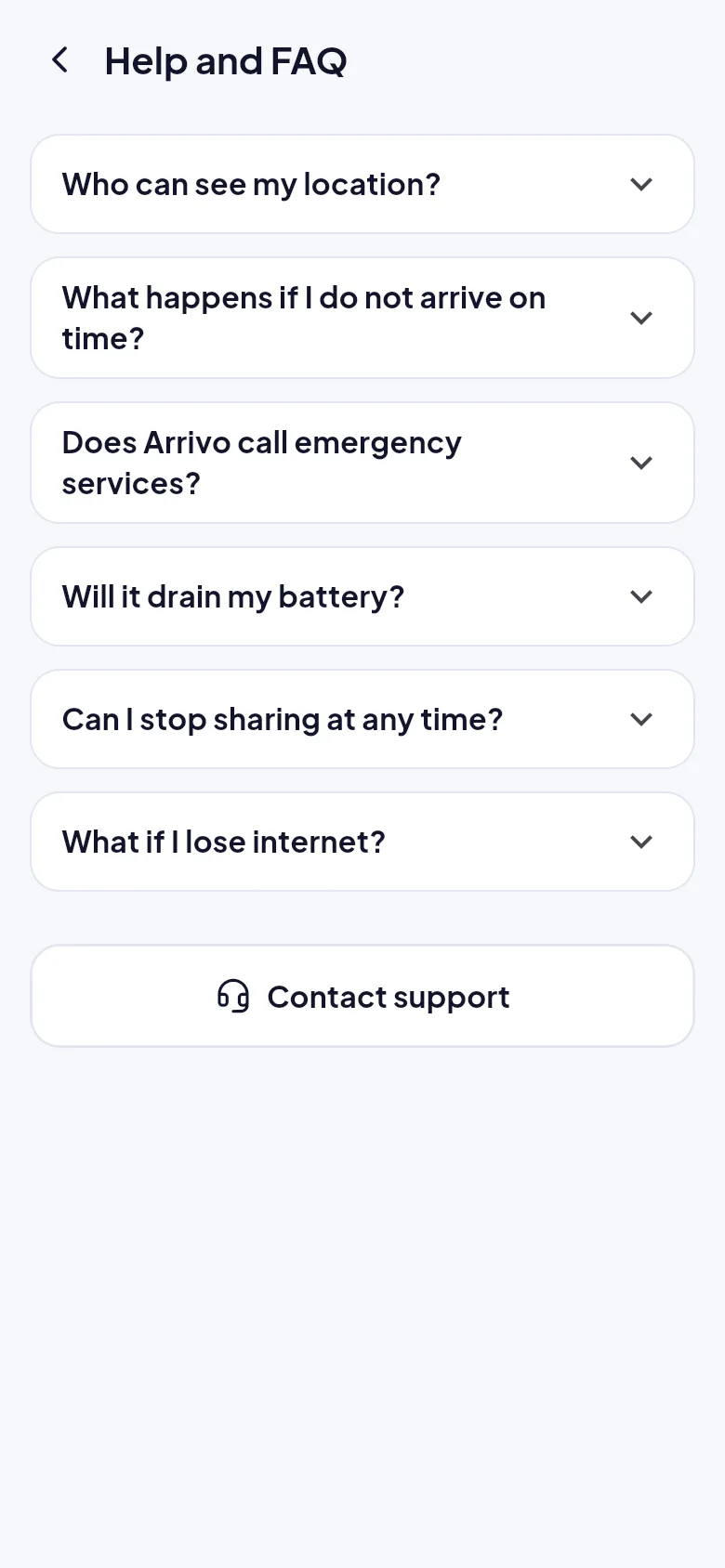
Who can see my location?
Only the trusted contacts you choose for a journey, and only while that journey is active. Contacts must accept your invitation first. The Profile screen shows who can see you right now.
Is my data sold or used for advertising?
No. Your data is never sold or used for advertising. It is used only to run journey sharing and safety features.
How long is my location kept?
Raw location points are removed 30 days after a journey ends. Your journey summaries stay in your history until you delete them or your account.
Can I export my data?
Yes. Profile, then Privacy and data, has an Export my data option.
Safety
What happens if I do not arrive on time?
Arrivo asks if you are okay first. If you do not reply within the grace period, your contacts are told and shown your last known location and when it was recorded. A reminder follows a little later with a way to call you.
Does Arrivo call emergency services?
No. Arrivo never contacts emergency services automatically. Your contacts decide what to do and can call you straight from the app. If you are in danger, call your local emergency number first.
Will it drain my battery?
Tracking adapts to your movement and battery level. Expect roughly 5% per hour of active sharing. When your battery gets very low, Arrivo updates less often and sends a final location to your contacts.
What if I lose internet?
Arrivo keeps saving your location on your phone and sends it in order when you reconnect. Meanwhile your contacts see exactly when it was last updated.
How does SOS work?
Press and hold the SOS button for 1.5 seconds. Your contacts get a high-priority notification straight away with your last location. SOS does not call emergency services.
Account
Can I stop sharing at any time?
Yes. Pause or stop from the active journey screen in one tap, and your contacts are told that sharing has stopped.
Can I change the language or appearance?
Appearance can be Light, Dark or Same as phone. English is the only language for now.
How do I delete my account?
Go to Profile, Privacy and data, then Delete account. Any active journey ends first and your contacts are told. See our delete account page for the full steps.
How much does Arrivo cost?
[PLACEHOLDER: pricing is not decided yet. Update this answer when plans are final.]
Still need help?
Our support page covers troubleshooting and how to reach us.