Delete your Arrivo account
You can delete your account and data at any time, from inside the app. Here is exactly what happens, step by step.
Four steps
- 1
Open the deletion screen
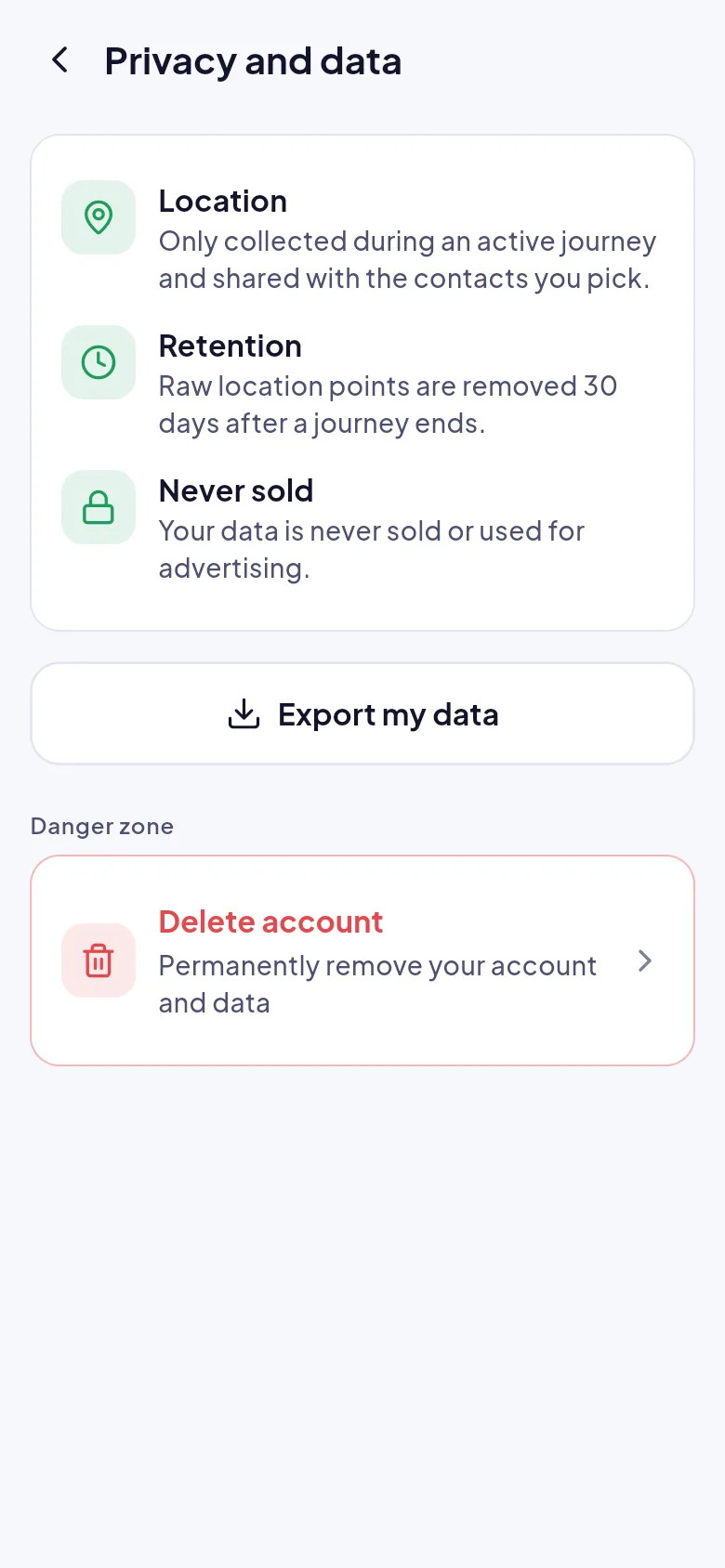
In the app go to Profile, then Privacy and data, then Delete account. The screen lists exactly what will be removed.
- 2
Active journeys end first
If a journey is running, Arrivo ends it and tells your contacts before anything is deleted, so nobody is left watching a trip that has stopped.
- 3
Check for a subscription
If you ever have a paid plan, Arrivo asks you to cancel it on the web first so you are not charged after deleting. Arrivo has no paid plan today.
- 4
Confirm
Tick that you understand it cannot be undone, then confirm. Your profile, contacts and journey history are removed.
What gets removed
| Data | What happens |
|---|---|
| Profile, contacts and journey history | Removed with your account. |
| Saved journeys and routes | Removed with your account. |
| Raw location points | Removed 30 days after each journey ends, or with your account. |
| Watch links | Stop working 2 hours after the journey ends, or when you delete your account. |
| Anything we must keep by law | Stated to you in the deletion flow, with how long it is kept. |
Cannot open the app?
Ask us to delete it for you
Email [PLACEHOLDER: support email] from the address you signed in with and ask us to delete your account. We will confirm before anything is removed.